How to Block Gambling Payments on Your Bank Card
20 October 2026 · 5 min read · Back to the blog
Updated: 20 October 2026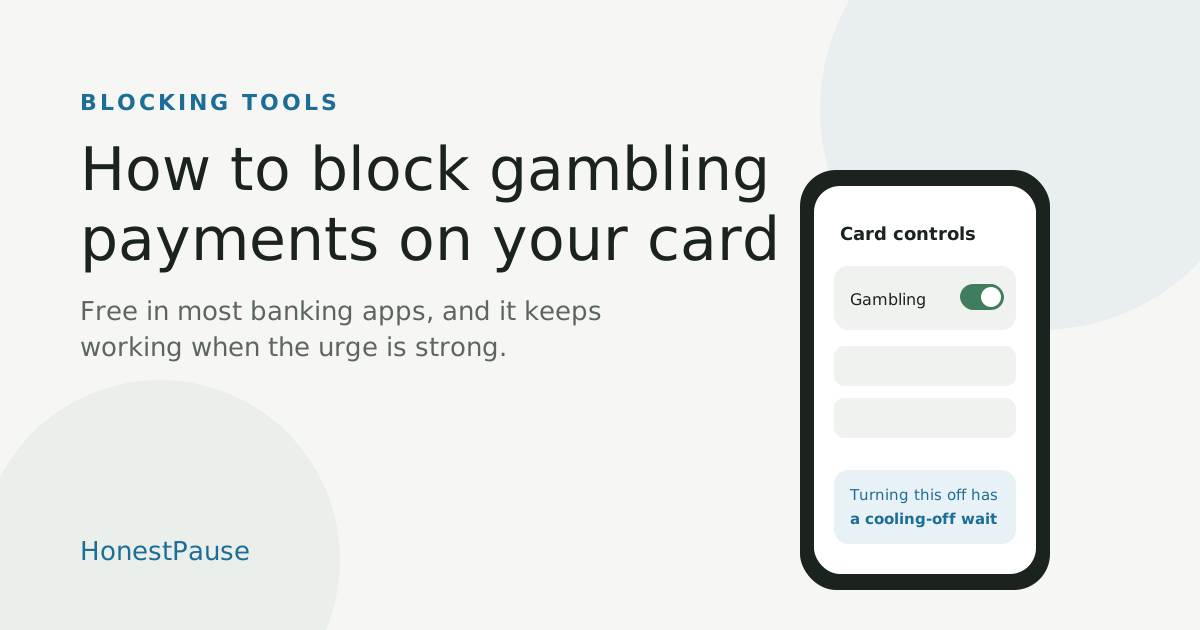
Key points
- Many banks offer a free gambling block on your card, usually in their app.
- It declines card payments to gambling companies, online and in person.
- You can switch it off, but not straight away. In the UK the wait is usually 48 or 72 hours.
When the urge to bet is strong, the last thing standing between you and the bet is usually your card. A gambling block takes that option away. It's free, it's in most banking apps, and it keeps working on the nights when your willpower doesn't.
What a gambling block does
Your bank declines any card payment that's coded as gambling, whether it's on a betting app, a casino site or in a betting shop. Blocks usually work card by card, so if you have more than one card, turn it on for each one.
How to find it in any banking app
- Open your banking app and go to your card settings.
- Look for "card controls", "merchant controls", "gambling restrictions" or "gambling block". Searching the app for "gambling" often finds it fastest.
- Switch it on for each card.
- Can't find it? Call your bank and ask whether they can block gambling payments on your card. Some banks that don't show it in the app can still set it up.
Why the wait to switch it off matters
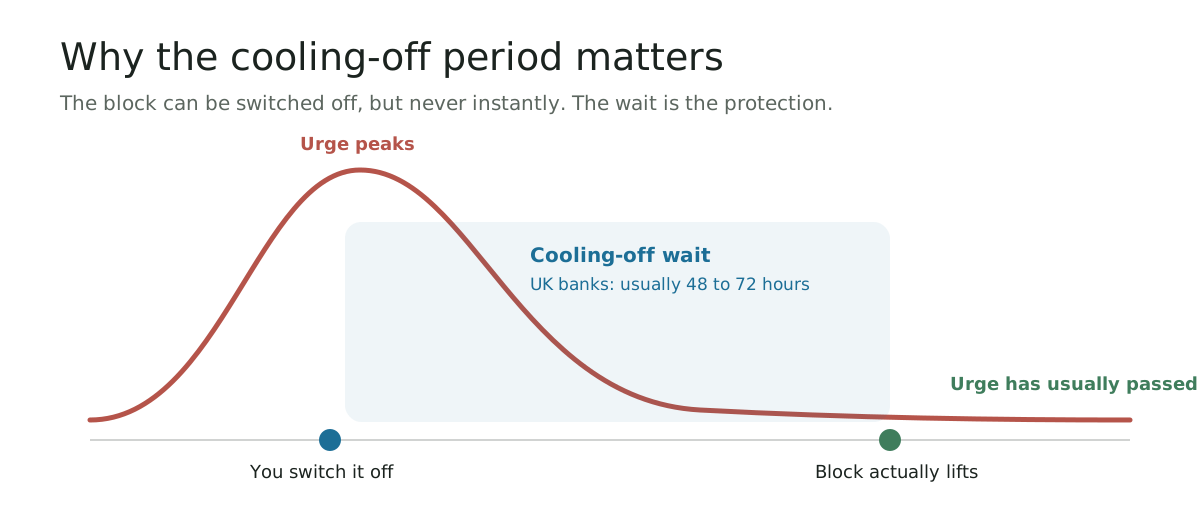
You can turn the block off, but it won't lift straight away. UK banks usually make you wait 48 or 72 hours, and other banks set their own waits. That gap is the point: urges rise fast and then fade, and by the time the block lifts, the moment has usually passed.
What it won't catch
- Bank transfers and e-wallets. If you use PayPal, turn on its own gambling block too.
- A lottery ticket bought with your food shop.
- Payments a gambling company has coded wrongly. If one gets through, tell your bank.
Make it stronger, wherever you live
A bank block closes off the money. A blocking app such as Gamban or BetBlocker blocks gambling sites and apps on your devices, and works in any country. Many countries and US states also run self-exclusion schemes that close your gambling accounts. In the UK, that's GamStop.
UK banks, one by one
| Bank | How to set it up | Wait to switch off |
|---|---|---|
| Barclays | App, phone or branch | 72 hours |
| HSBC | App, phone or branch | 72 hours |
| Lloyds | App, phone or branch | 48 hours |
| Halifax | App, phone or branch | 48 hours |
| Bank of Scotland | App, phone or branch | 48 hours |
| NatWest | App (Manage Cards, then Card payment controls) | 48 hours |
| Royal Bank of Scotland | App, phone or branch | 48 hours |
| Santander | App or secure chat (Mastercard) | 48 hours |
| Nationwide | App, online, phone or branch | 72 hours |
| TSB | App, phone or branch | 48 hours |
| First Direct | App | 72 hours |
| Monzo | App, phone or web chat | You choose, 2 days to 1 year |
| Starling | App | 48 hours |
| Revolut | App | 48 hours |
| Chase | App | 48 hours |
| PayPal | App or website | 72 hours |
Based on GamCare's bank block guide (updated June 2026) and NatWest's own help page. Banks change their apps, so check yours if something looks different.
Good to know in the UK
- It doesn't affect your credit score. Banks don't share it with credit reference agencies.
- On a joint account, each person sets up their own block.
- You can't set one up for someone else unless you have power of attorney.
- Gambling with a credit card is already banned in Great Britain.